Make a retail map in under 10 minutes
No PowerPoint, no Photoshop, no manual logo search. Type an address, drop brand logos, export a branded PDF. Built specifically for commercial real estate brokers who need professional retail maps fast.
- Address search auto-centers the map
- 1,000+ brand logos - search and click
- Auto-find every nearby business by category
- Leader lines + drag-to-group containers
- Branded PDF + 4K PNG export
Free to start. $39/mo to unlock watermark-free exports.



From address to PDF
Enter an address
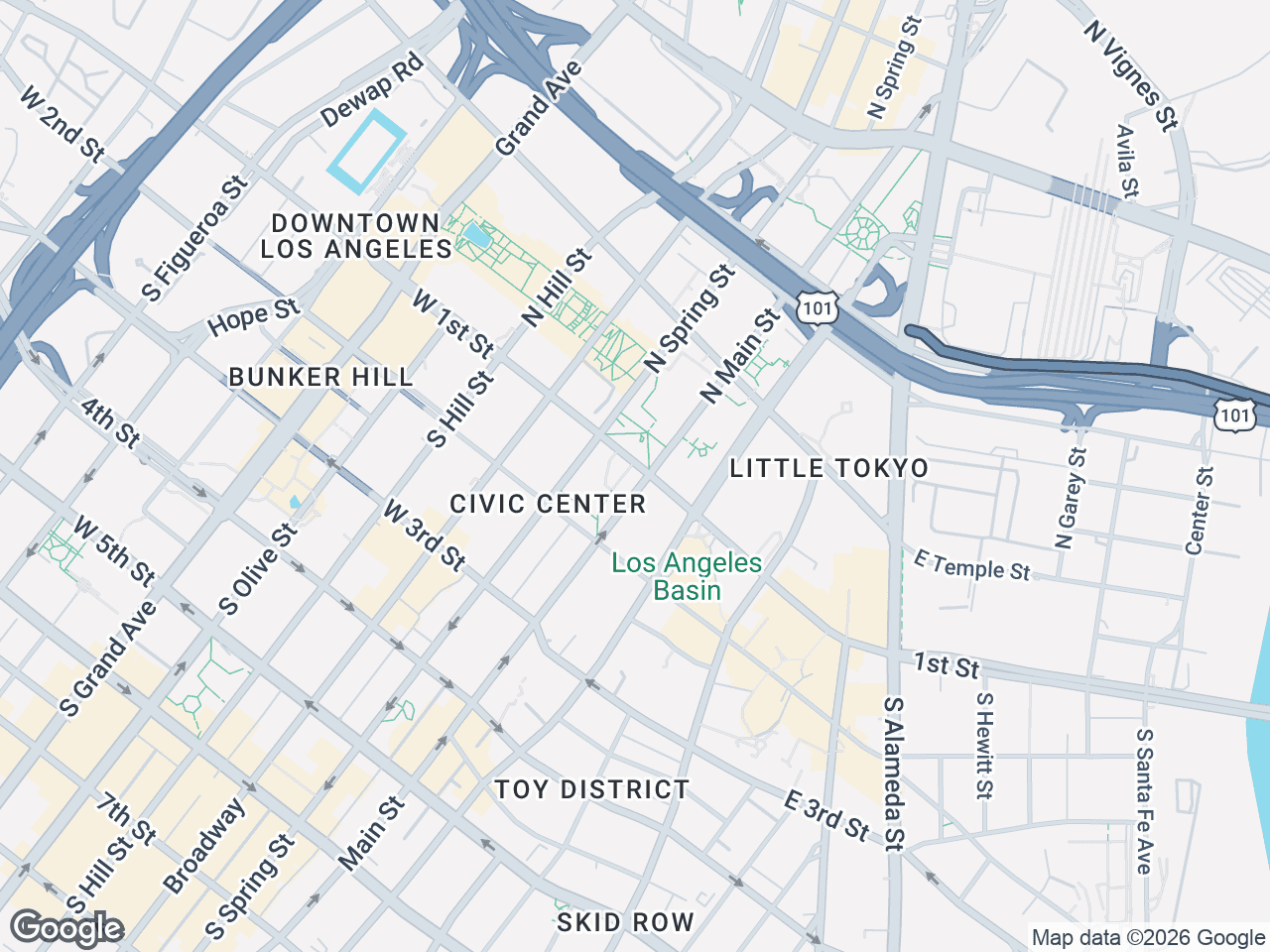
Any US address or intersection. CRE Retail Maps auto-centers the map, sets the zoom level, and places the subject property marker automatically. No manual pan/zoom.
Add logos or auto-find businesses
Type a brand name (e.g. 'Starbucks') - the logo appears instantly, click to place. Or pick a category (restaurants, banks, grocery) and auto-find discovers every nearby match. Drag to group into named clusters.
Export branded PDF or 4K PNG
One click. Branded PDF template auto-populates your photo, name, company, and property info. PNG exports up to 3840 x 2160 for large-format print.
Quick questions
How do I make a retail map?+
Three steps. (1) Enter an address - the map auto-centers on the property. (2) Search for brand logos by name or pick a category to auto-find every nearby business. (3) Export as a branded PDF or high-res PNG. Total time for most maps: under 10 minutes.
Do I need to create each logo myself?+
No. CRE Retail Maps includes a library of 1,000+ official brand logos - retail, restaurants, banks, pharmacies, grocery, fitness, and more. Type a name, the logo appears, click to place.
Can I place businesses that aren't in the logo library?+
Yes. When a brand isn't in the library, CRE Retail Maps auto-creates a clean text container with the business name. Looks professional and matches the style of logo tiles.
Can I add my own custom POIs (parking, construction, etc)?+
Yes. The POI database lets you save custom Points of Interest with your own icons and colors. Common examples: parking structures, transit stations, under-construction sites, future anchor tenants.
How do I export the map?+
One click. Choose branded PDF (with your photo, name, company, and contact info in the footer template) or high-res PNG up to 4K (3840 x 2160).
What if I make a mistake?+
Full undo/redo history, plus autosave every 3 seconds. You can experiment freely - nothing you do is permanent until you explicitly save, and even saved changes can be undone.
Sign up, make a map, see it yourself
Free to start. No credit card. Watermark-free exports at $39/mo.
Start Free