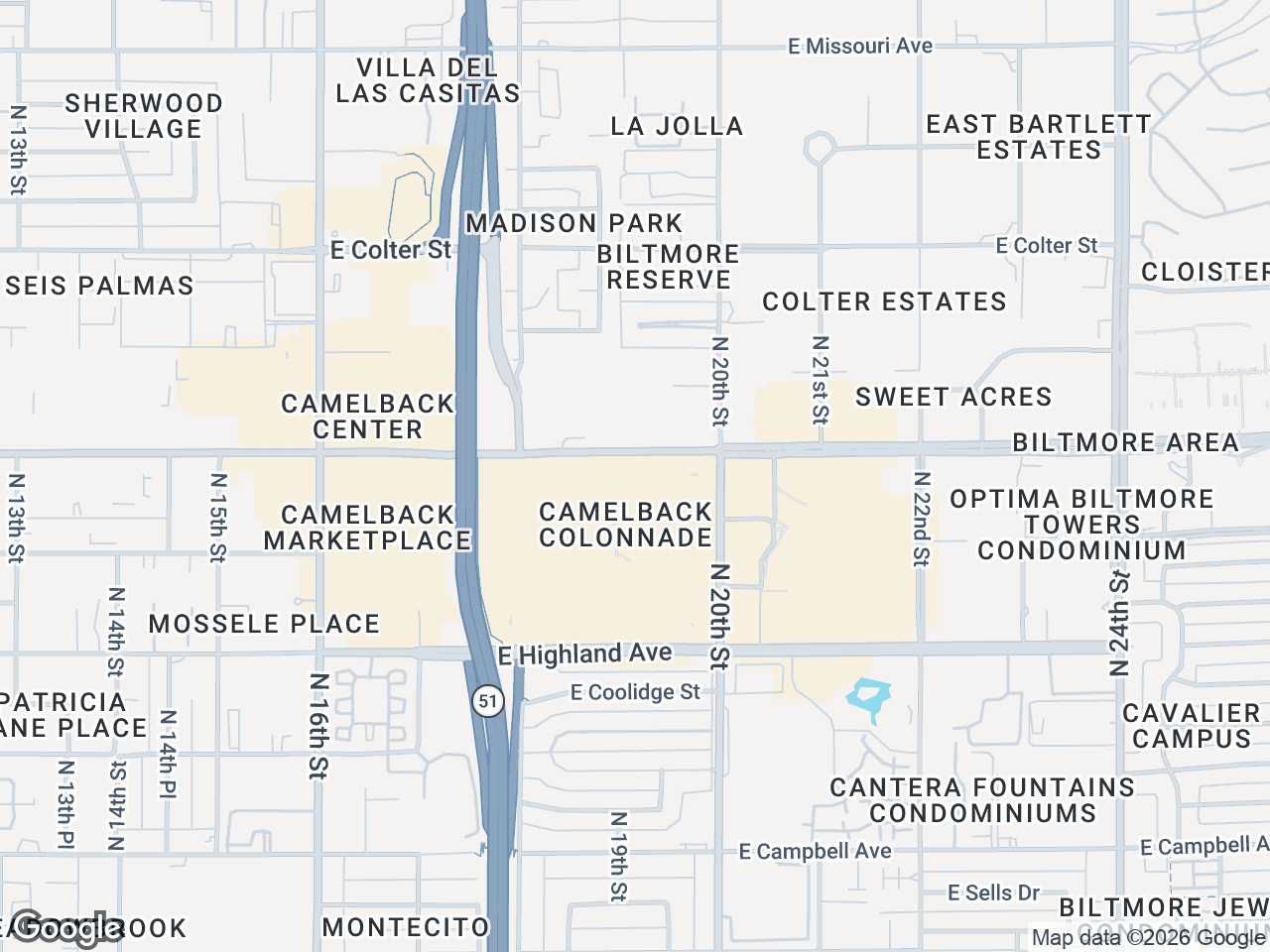




A retail map is a visual representation of a commercial property and its surrounding retail environment. It shows the subject property, neighboring tenants, anchor stores, major roads, and points of interest — all on a single, professionally styled map. For brokers, landlords, and developers, it's one of the most effective ways to communicate a property's value to prospects, investors, and tenants.
If you've ever seen a property flyer or offering memorandum with brand logos placed on a map showing what's nearby, that's a retail map. And if you've ever spent hours trying to build one in PowerPoint, you know how painful the process can be without the right tools.
Why Retail Maps Matter in CRE
In commercial real estate, location is the product. But a raw address doesn't tell the full story. A retail map bridges the gap between a pin on Google Maps and a compelling visual narrative about why a property is valuable.
Here's what a good retail map communicates instantly:
- Tenant mix and co-tenancy — Showing that a Starbucks, Target, and Whole Foods are within a quarter mile tells a prospect that the area has strong foot traffic and creditworthy tenants. National brands validate the location.
- Traffic generators and access — Highlighted highways, major intersections, and arterial roads show how customers reach the property. Proximity to highway interchanges or high-traffic corridors is a selling point that maps communicate better than text.
- Competitive context — Prospects want to see what else is in the market. A retail map that shows the full landscape helps them evaluate the property against alternatives.
- Demographics at a glance — When combined with callouts for population density, household income, or traffic counts, a retail map becomes a one-page market summary.
How Brokers Used to Make Retail Maps
The traditional workflow was painful. A broker would screenshot Google Maps, paste it into PowerPoint or Photoshop, then manually search for brand logos online, resize them, and place them on the map. Leader lines were drawn by hand. Colors were inconsistent. The whole process took 1-3 hours per map and produced results that looked different every time.
Some firms hired graphic designers or used GIS tools like ArcGIS, but those approaches were expensive, slow, and required specialized skills that most brokers don't have.
The Modern Approach
Tools like CRE Retail Maps were built specifically for this problem. Instead of cobbling together screenshots and logos manually, you get a purpose-built platform that handles every step:
- Search for your property — Enter an address and the map centers automatically on the right location.
- Place brand logos instantly — Search from a library of 1,000+ official brand logos. Type "Starbucks" and the logo appears, ready to place on the map with a leader line connecting it to its location.
- Auto-find nearby businesses — Search by category (restaurants, banks, grocery, fitness) and the tool discovers every business near your property automatically. No manual research required.
- Style the map — Choose from 8 map styles (light, dark, satellite, retro, and more), apply your brokerage's brand colors, highlight highways, and control which labels appear.
- Group tenants visually — Use drag-to-group containers to organize logos into labeled clusters like "Dining & Shops" or "Anchor Tenants."
- Export for any use case — Download a high-res PNG (up to 4K) for digital presentations or a branded PDF template for print materials and OMs.
The entire process takes 5-10 minutes instead of hours, and every map comes out looking polished and professional.
Where Retail Maps Are Used
Retail maps appear across nearly every type of CRE marketing material:
- Offering Memorandums — The most common use. A retail map is typically a full page showing the property's retail context.
- Property flyers and brochures — A condensed version of the map adds visual credibility to any property marketing piece.
- Email campaigns — A thumbnail of the retail map in an email blast grabs attention and drives clicks.
- Investment presentations — When pitching to investors, a retail map provides instant market validation.
- Site selection reports — Tenants evaluating locations use retail maps to compare trade areas.
What Makes a Great Retail Map
Not all retail maps are created equal. The difference between an amateur map and a professional one comes down to a few details:
- Official brand logos — Not cropped screenshots or pixelated PNGs from Google Images. Real, high-resolution brand logos signal professionalism.
- Leader lines — Clean connector lines between logos and their map locations eliminate ambiguity about where each tenant is.
- Consistent branding — Using your brokerage's colors, fonts, and styling across every map creates a recognizable, polished look.
- Curated labels — Showing relevant labels (highways, neighborhoods) while hiding clutter (random business names, transit stops you don't care about) keeps the map focused.
- High resolution — Maps that look sharp on a projector, a retina display, and in print. Anything less than 4K for digital use looks dated.
The Bottom Line
A well-designed retail map is one of the highest-impact assets in a broker's toolkit. It communicates location value instantly, adds professionalism to every document it appears in, and helps deals move forward faster. With modern tools, there's no reason to spend hours building them by hand.